

Chat with any model
Talk to Claude, GPT, Gemini, or a model you host yourself — and switch between them mid-project. The interface, your tools, and your history stay the same.
Catalyst is one workspace for getting real work done with AI. You chat with a model, let it use tools to act on your behalf, and — when a task is worth repeating — turn that conversation into a workflow that runs the same way every time.
The idea behind it: build the work once, swap the model whenever. The model you start with today won’t be the best one next quarter. Catalyst keeps your prompts, tools, data connections, and workflows separate from any single provider, so changing models is a setting — not a rewrite.
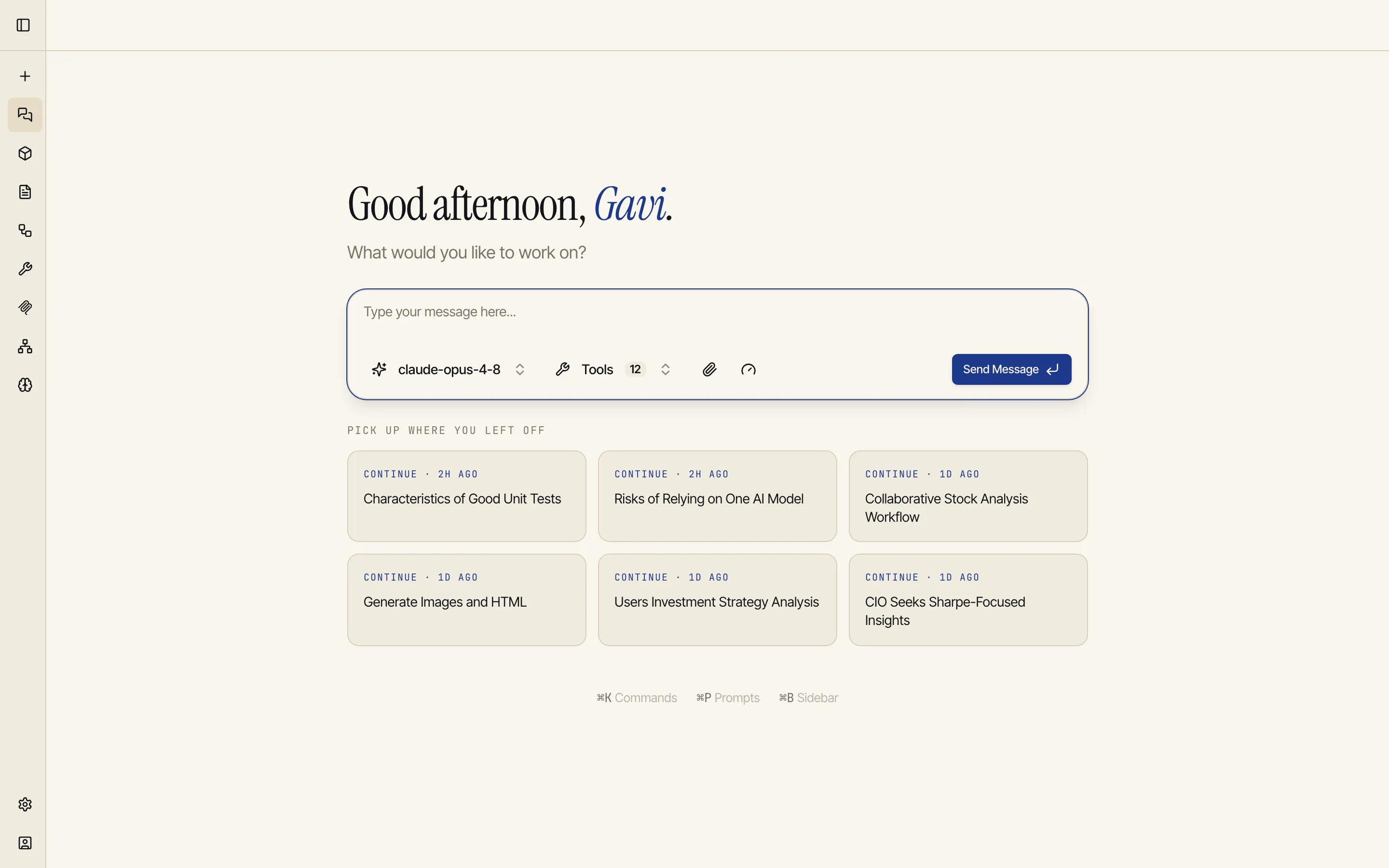
Chat with any model
Talk to Claude, GPT, Gemini, or a model you host yourself — and switch between them mid-project. The interface, your tools, and your history stay the same.
Let it take action
In agentic mode the model can search the web, run code, generate images, short videos and music, and call your connected tools in a loop until the task is done — not just reply with text.
Build artifacts
Code, documents, diagrams, and live HTML render in a side panel you can preview, revise, and download — versioned as the model iterates.
Automate with workflows
Wire models, code, and tools into a visual workflow that runs on demand or on a schedule, and delivers results by email.
Connect your own tools & data
Bring your own integrations over MCP and connect your databases and files, so the model works with your systems, not a generic sandbox.
It remembers you
A profile and a searchable memory let Catalyst recall what matters across sessions, so you don’t re-explain yourself every time.
Most people start in chat and grow into the rest:
You don’t need all of it on day one. The Quickstart gets you to a useful first result in a few minutes; Core concepts explains the mental model so the rest of the docs make sense.
Start the Quickstart