

Integrations (MCP)
Out of the box the model has a handful of built-in tools. Integrations add more. Catalyst connects to external tools using MCP (the Model Context Protocol) — an open standard for exposing tools to AI. Connect an MCP server and its tools become actions the model can call, both in agentic chat and in workflow tool nodes.
Connecting a server
Section titled “Connecting a server”-
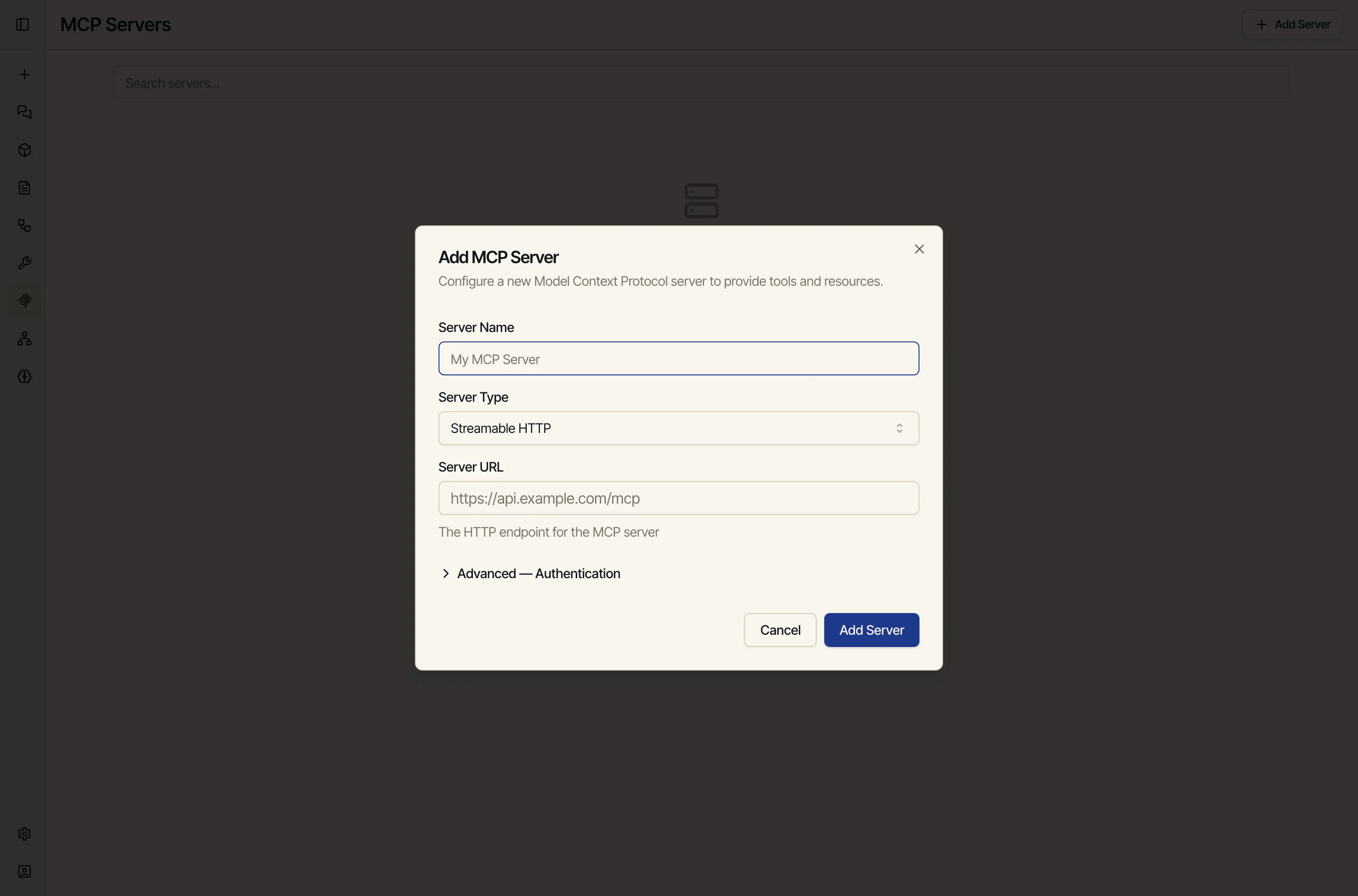
Open MCP Servers from the sidebar and click Add Server.
-
Give it a name, choose the server type (for example, a Streamable HTTP server), and enter the server’s URL.
-
If the server needs sign-in, open Advanced — Authentication. Catalyst supports a simple token, or a full secure sign-in flow where the server walks you through granting access — no secrets to copy and paste by hand.
-
Save. Catalyst connects, discovers the server’s tools, and they become available to the model.
Using the tools
Section titled “Using the tools”Once a server is connected, its tools show up wherever the model can act:
- In chat, with agentic mode on, the model calls them as needed and streams the calls and results into the conversation.
- In workflows, a Tool node calls a specific tool with arguments you wire from other nodes.
If a server’s sign-in expires, Catalyst flags it inline and lets you reconnect — a run won’t silently use a stale connection.
Connecting to private systems
Section titled “Connecting to private systems”If the tool or service lives on a private network or your own machine, connect that machine first with a Network device so Catalyst can reach it.