

Network devices
Catalyst runs in the cloud, but a lot of what you might want it to use runs somewhere private — a model on your laptop, a service on a workstation, an API inside your company network. The cloud can’t reach those by default. Network devices bridge that gap by joining your machine to a secure private network Catalyst can see.
It uses Tailscale, which creates a private, encrypted network between your devices — so “your laptop” becomes an address Catalyst can reach, without opening anything to the public internet.
Connecting a device
Section titled “Connecting a device”-
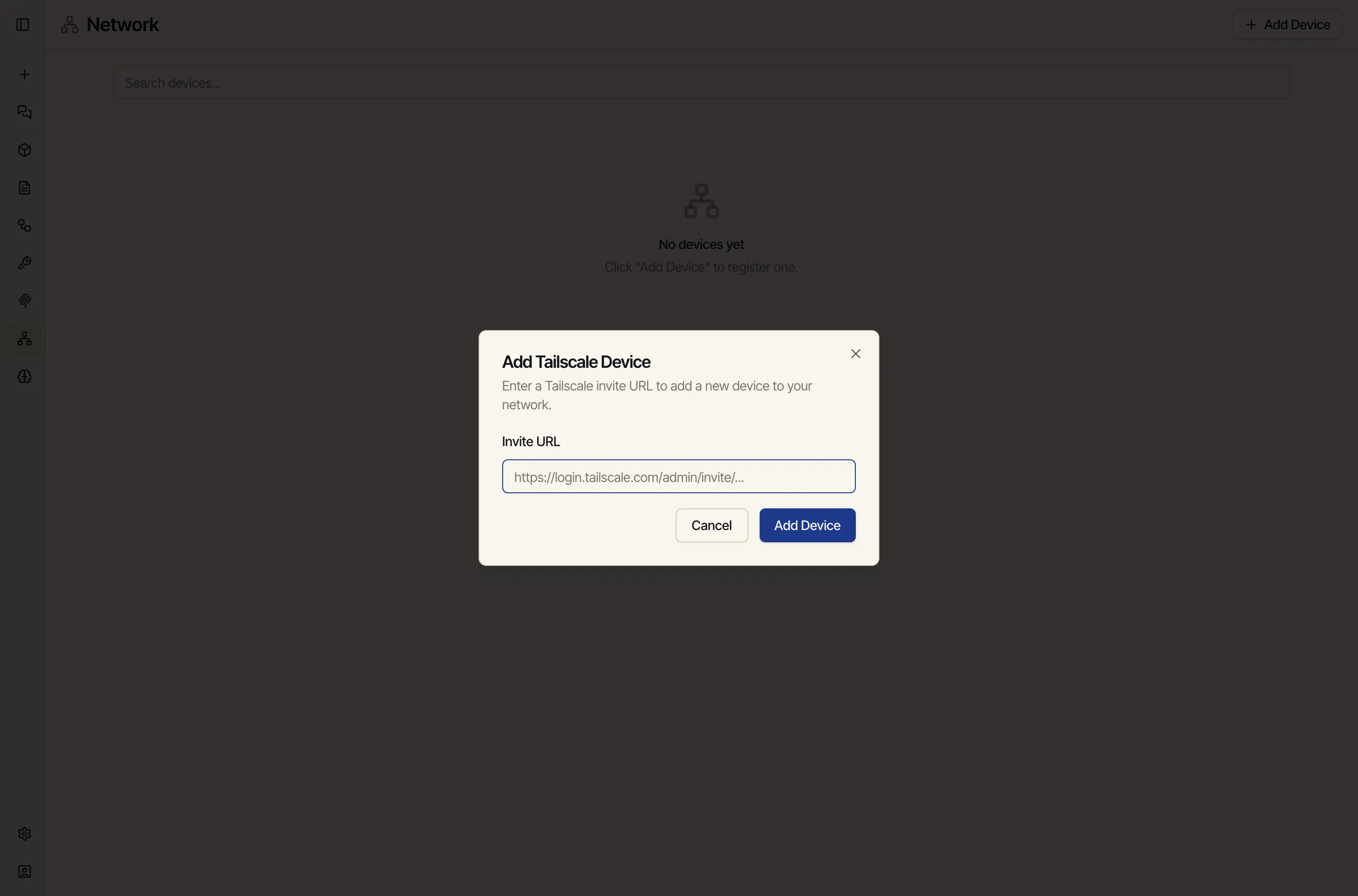
Open Network from the sidebar and click Add Device.
-
Paste a Tailscale invite URL for the device you want to connect.
-
Accept the invite on the machine. It joins the private network and becomes reachable from Catalyst.
What it’s for
Section titled “What it’s for”Once a machine is connected, you can point Catalyst at services running on it:
- A local model via Ollama or any OpenAI-compatible server.
- A private MCP server or tool (see Integrations).
- Any internal HTTP service a workflow HTTP node needs to call.