

Models & providers
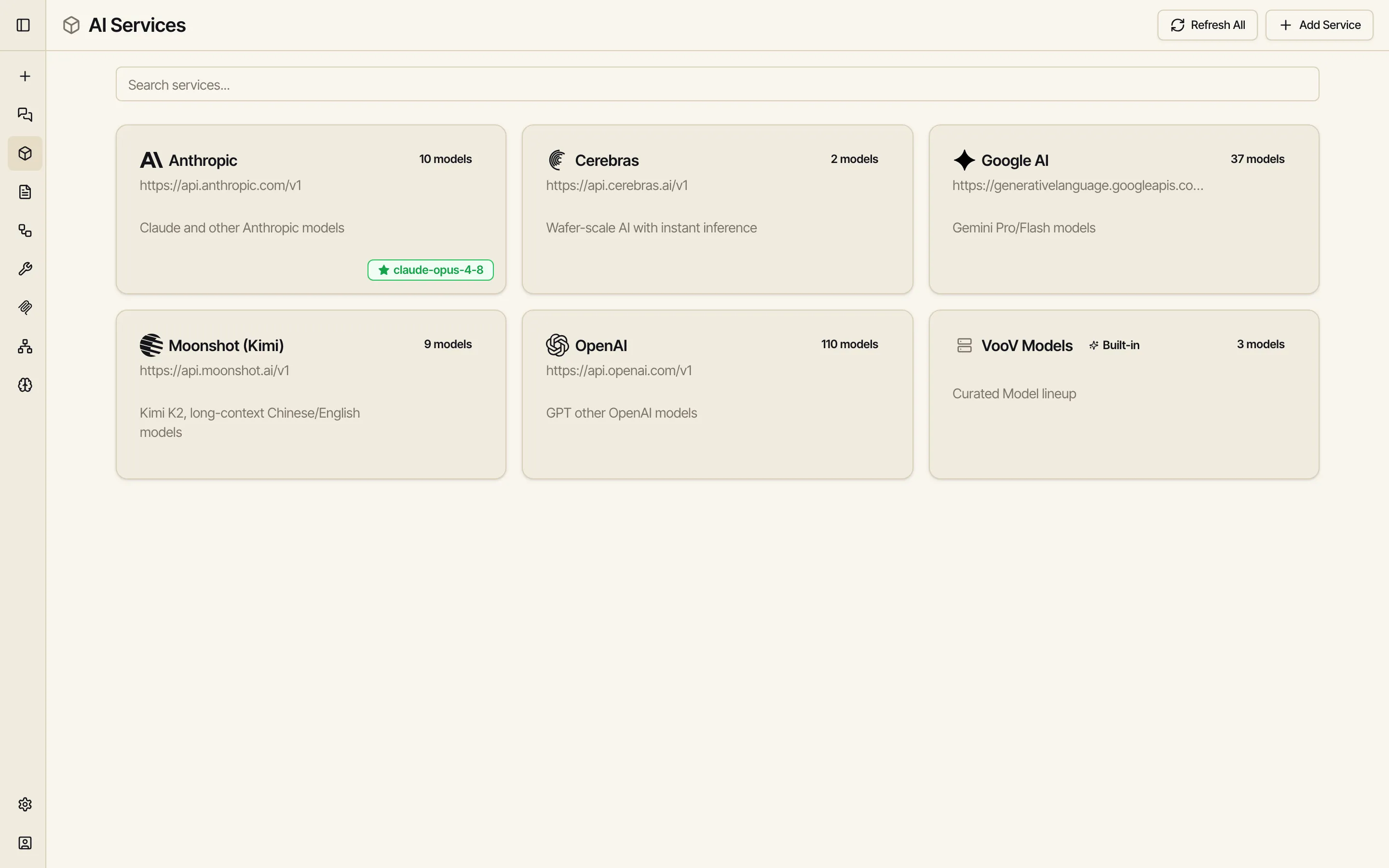
Catalyst groups models by provider — Anthropic, OpenAI, Google, and so on. Each provider is a service, and a service offers one or more models. The AI Services screen (in the sidebar) is where you see everything available to you.
Built-in vs. your own
Section titled “Built-in vs. your own”- Built-in models are provided by your workspace — the VooV Models service in the screenshot above. You can use them immediately, with no API key of your own. One is the default for new chats.
- Your own providers are services you add with your own API key — see Adding a provider. They sit alongside the built-in ones and work exactly the same way.
Either way, your API keys stay on the workspace and are never exposed in the browser — the model is called through Catalyst, not directly from your screen.
Switching models
Section titled “Switching models”The model in use is shown in the chat composer; open it to pick another. The same models are available to workflow LLM and agent nodes, so you can point different steps at different providers — even compare them in a single run.
Setting your default and pinning favorites
Section titled “Setting your default and pinning favorites”You can set a default model for new chats, and pin the handful you use most so they’re at the top of the picker. For built-in models you don’t own, your preferences (your default, your pins, your settings) are saved as your overrides — they don’t change the model for anyone else.
For finer control over how a model is called — temperature, context length, and other sampling parameters — see Model overrides.
- Adding a provider — bring your own OpenAI, Anthropic, Mistral, or one of ~20 supported providers, or a custom endpoint.
- Network devices — reach a model running on your own machine.